
Welcome to microfolio
A modern static portfolio generator built with SvelteKit 2 and Tailwind CSS 4. Perfect for designers, artists, architects, and creatives who want to showcase their projects elegantly and professionally.
File-based CMS
No database needed. Organize your projects with simple folders and Markdown files.
Multiple Views
Showcase your work in Projects, List, or interactive Map modes.
Static Generation
Optimal performance with static site generation. Deploy anywhere.
Lightbox & Metadata
Images fill the screen, with title, caption, credit and EXIF read straight from the file.
Dark Mode
Follows the system preference, with a toggle that remembers what your visitor chose.
Readable Everywhere
Content is in the HTML, so it works without JavaScript and search engines see it. Built for phones and for the keyboard.
No Cookies, No Banner
Nothing is tracked, so there is nothing to ask permission for. No analytics, no Google Fonts, a map with no API key. Legal and privacy pages come as templates to fill in.
Shareable Views
Filters, search, sorting and paging live in the URL, so a filtered view can be sent to someone — and the back button brings it back exactly as it was.
Fast, and Findable
Pages paint in well under a second on a throttled phone. Thumbnails and sharing images are generated at build, and every page carries its own tags, canonical link and an entry in a generated sitemap.
See it in action
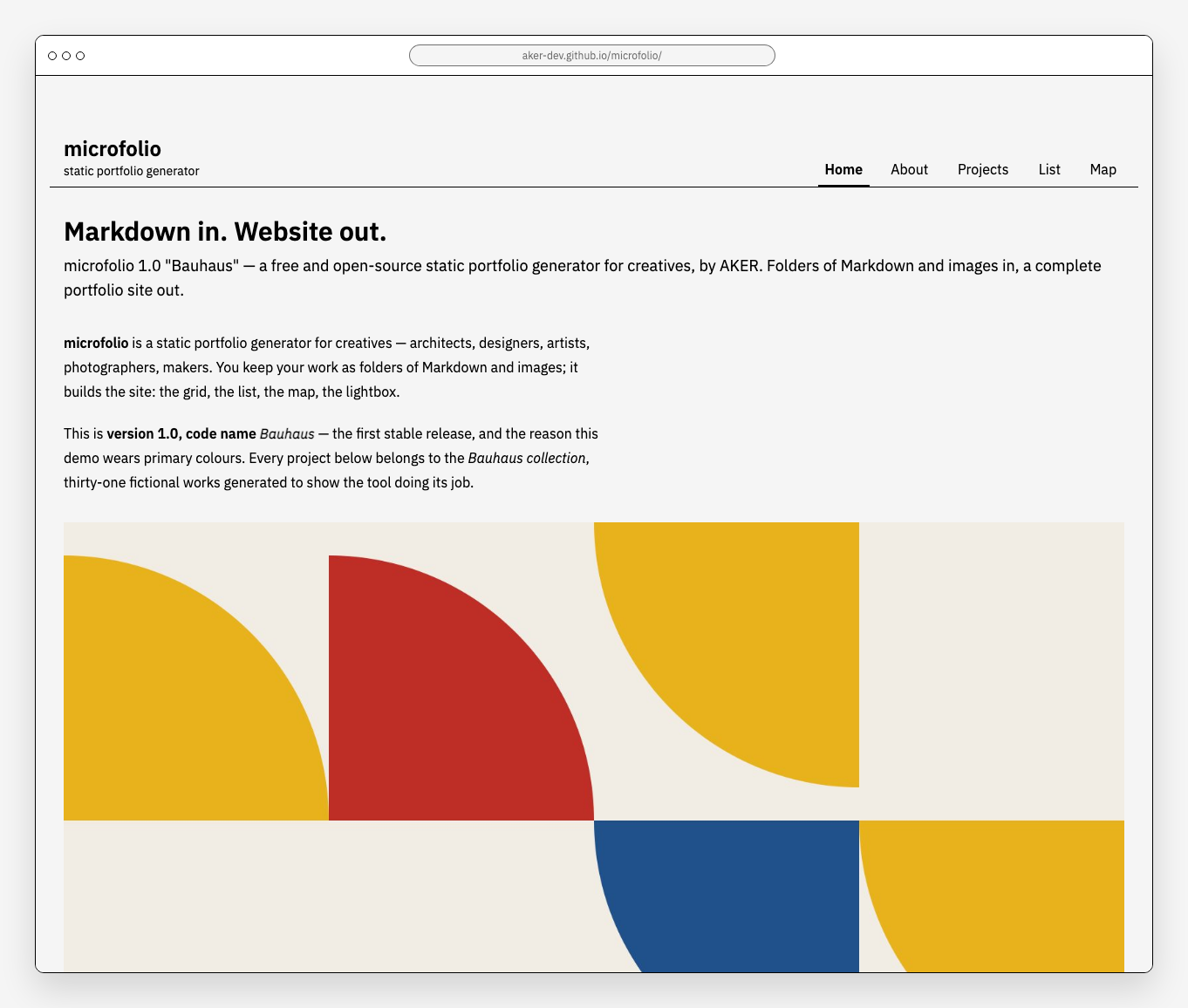
Homepage
Clean, minimal design showcasing featured projects
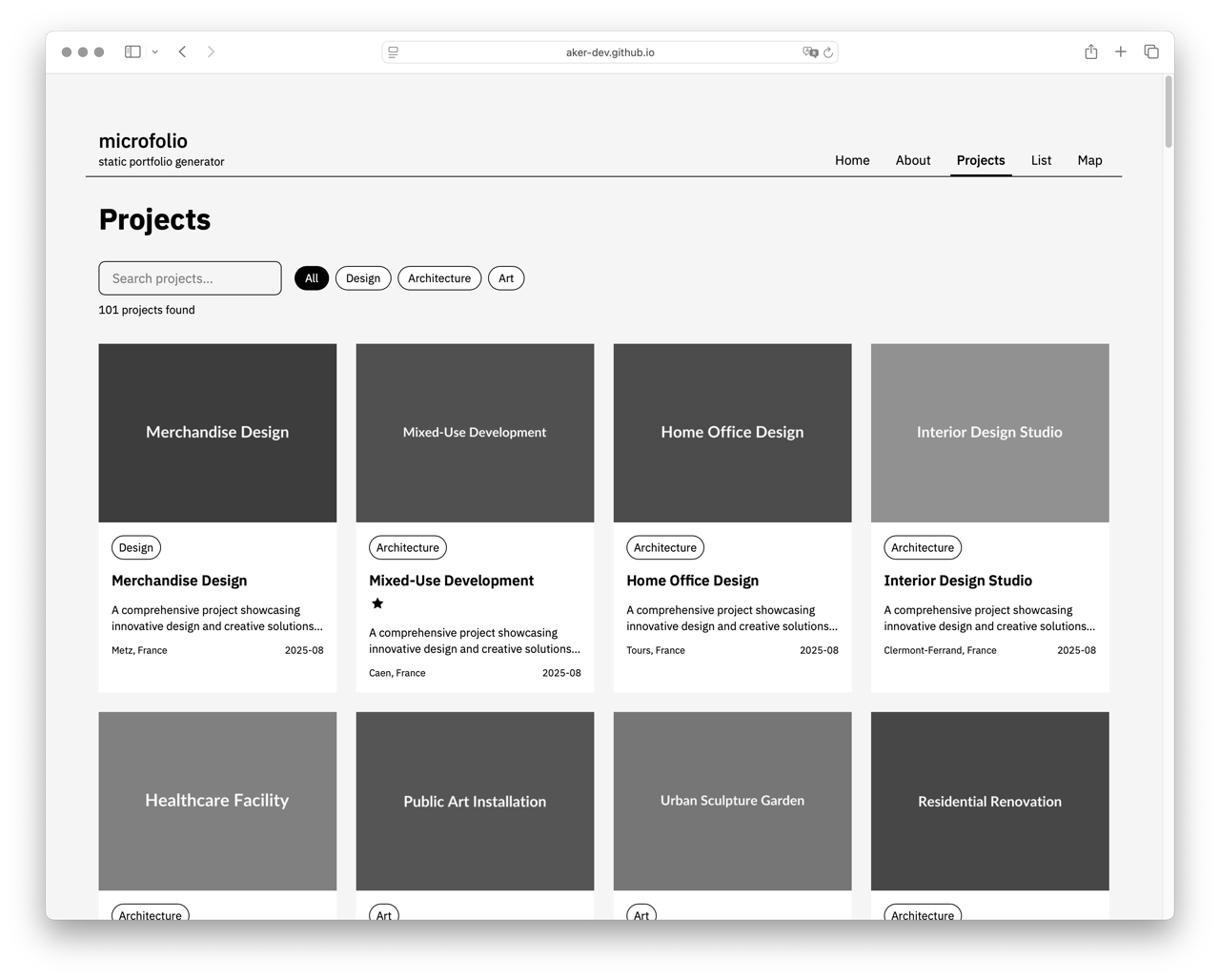
Projects Gallery
Filter by type and tag, search, sort and paginate — all of it shareable as a URL
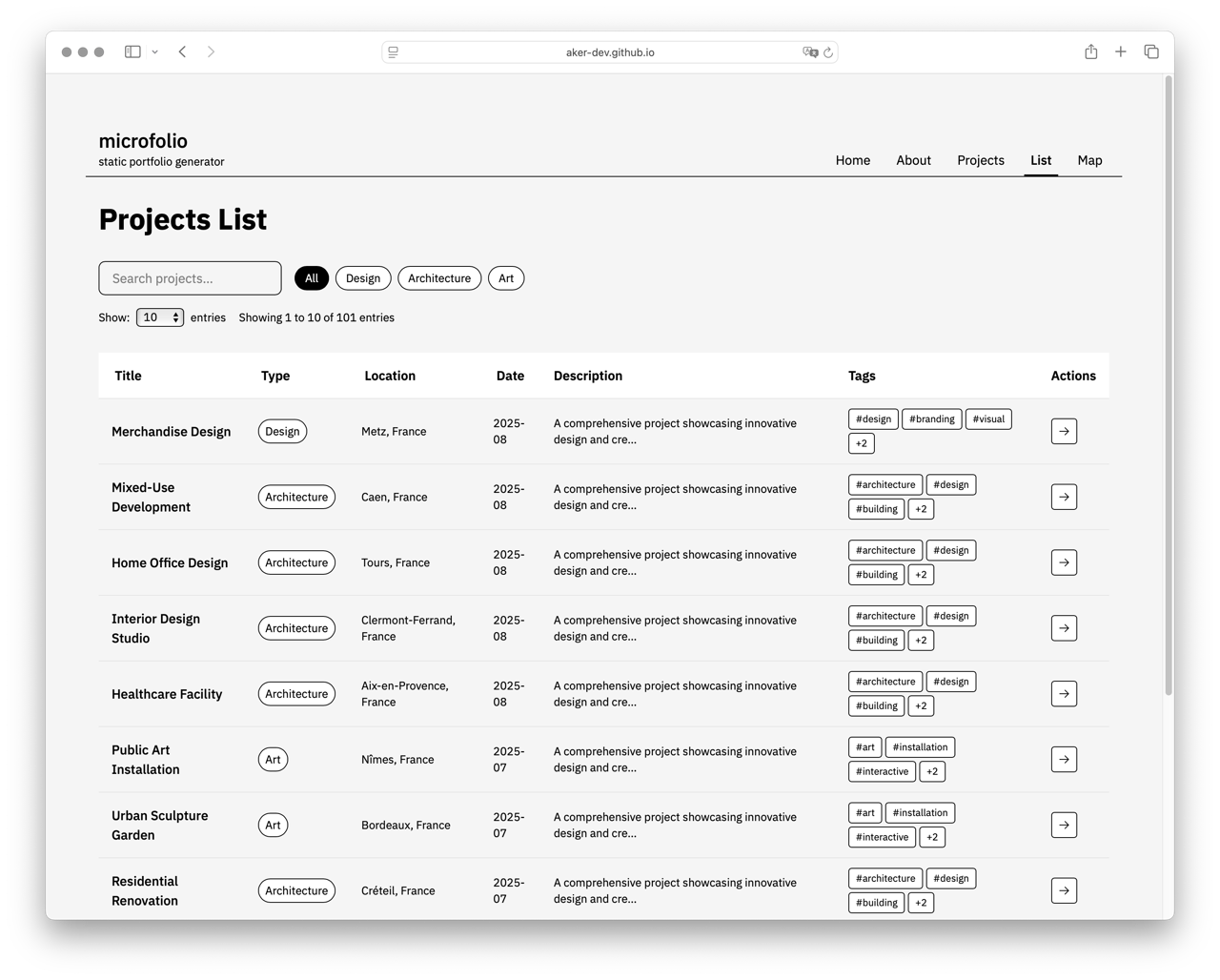
List View
Searchable, sortable table — folding down to cards on a phone
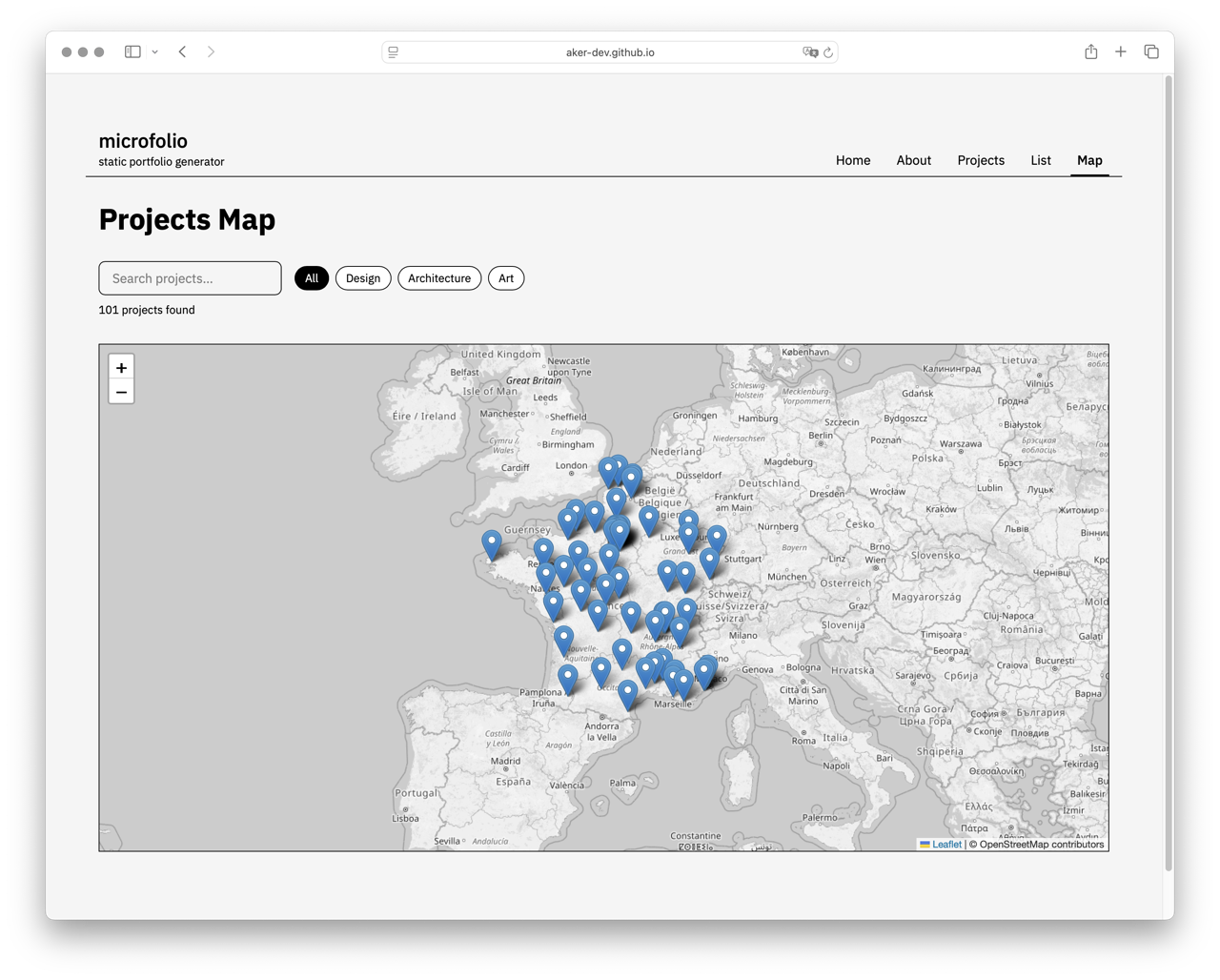
Interactive Map
Worldwide project map — MapLibre GL on OpenFreeMap tiles, no API key, light and dark
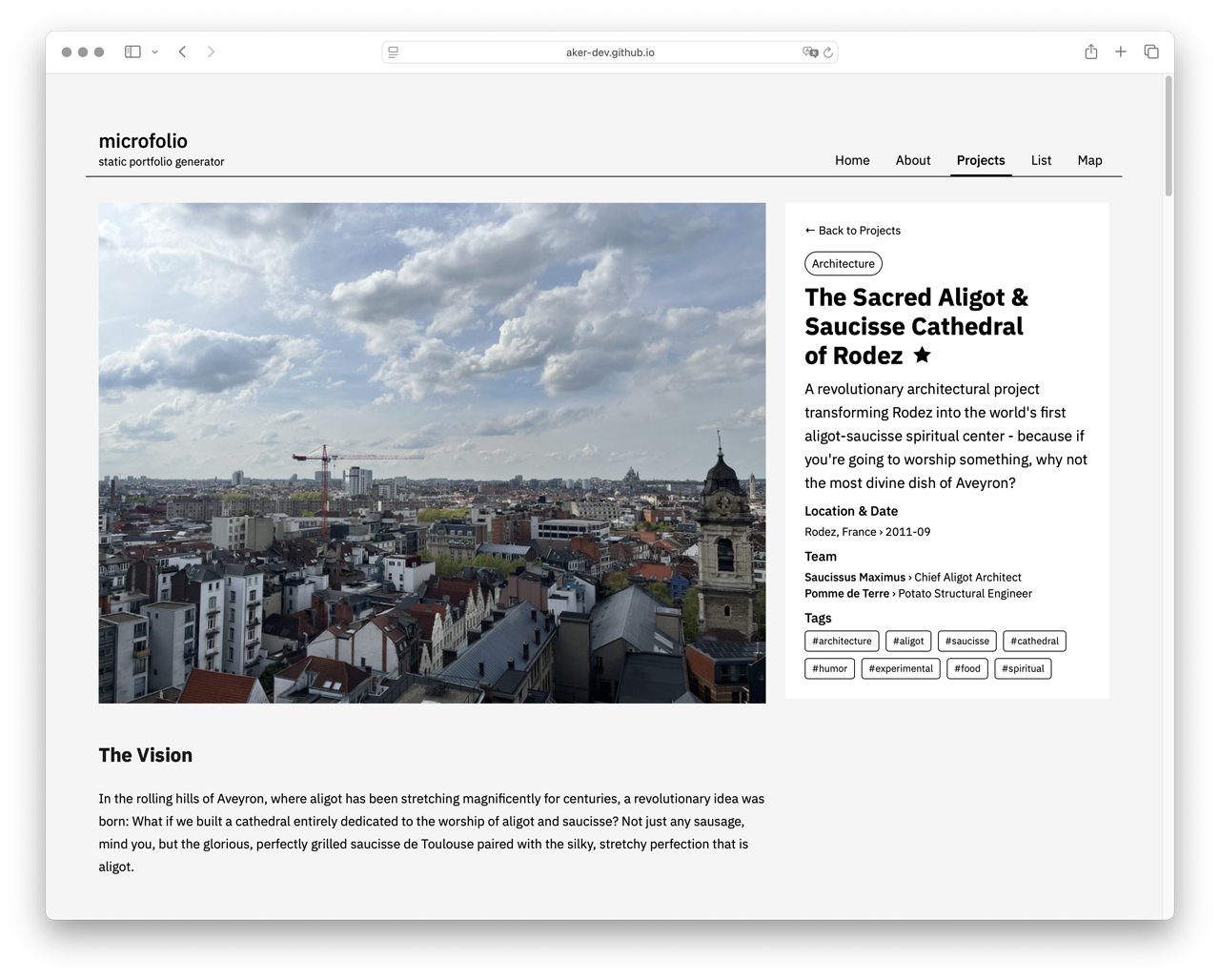
Project Details
Rich project pages with metadata, gallery, and content
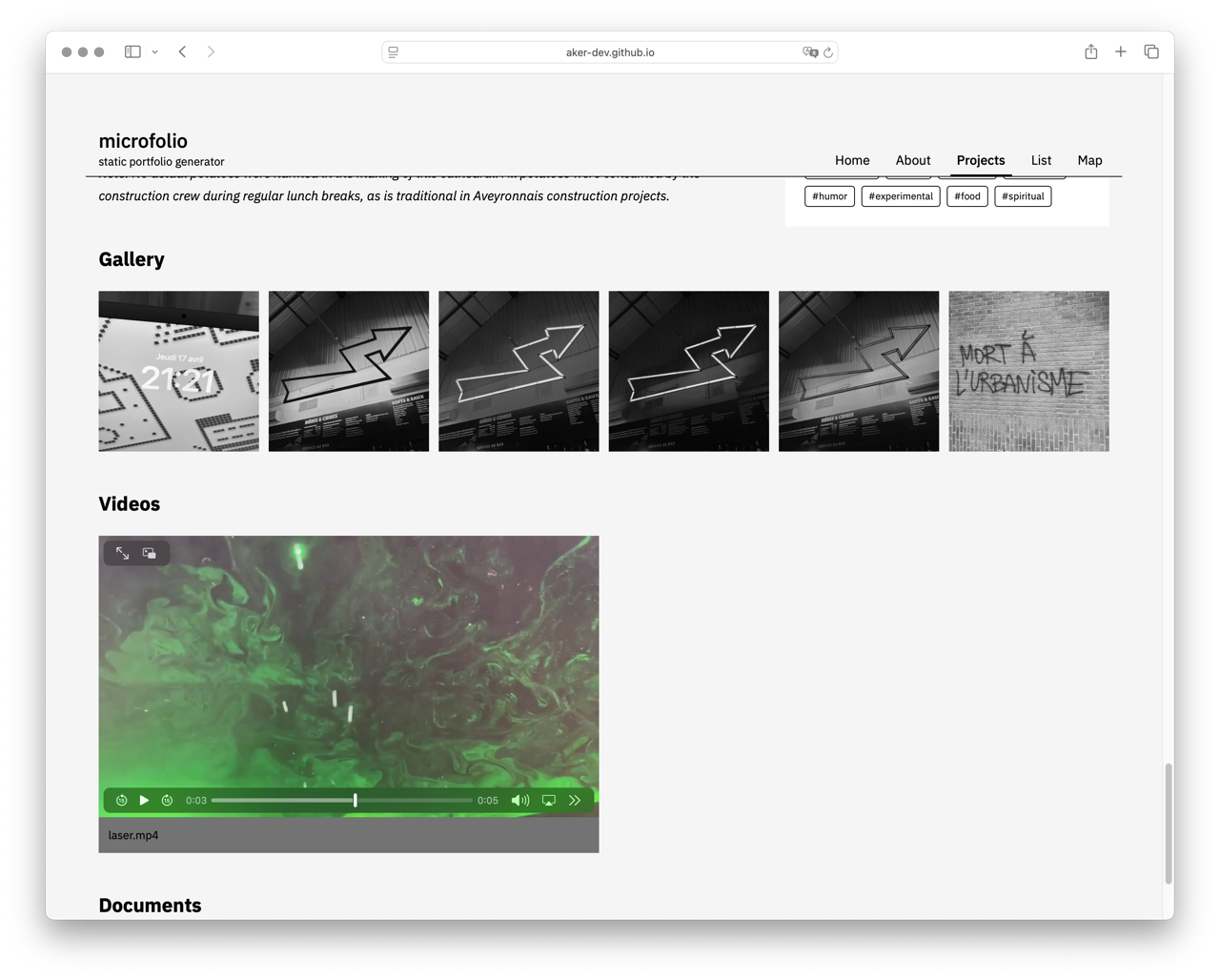
Project Gallery
Each image keeps its own headline, caption and credit, read from the file itself
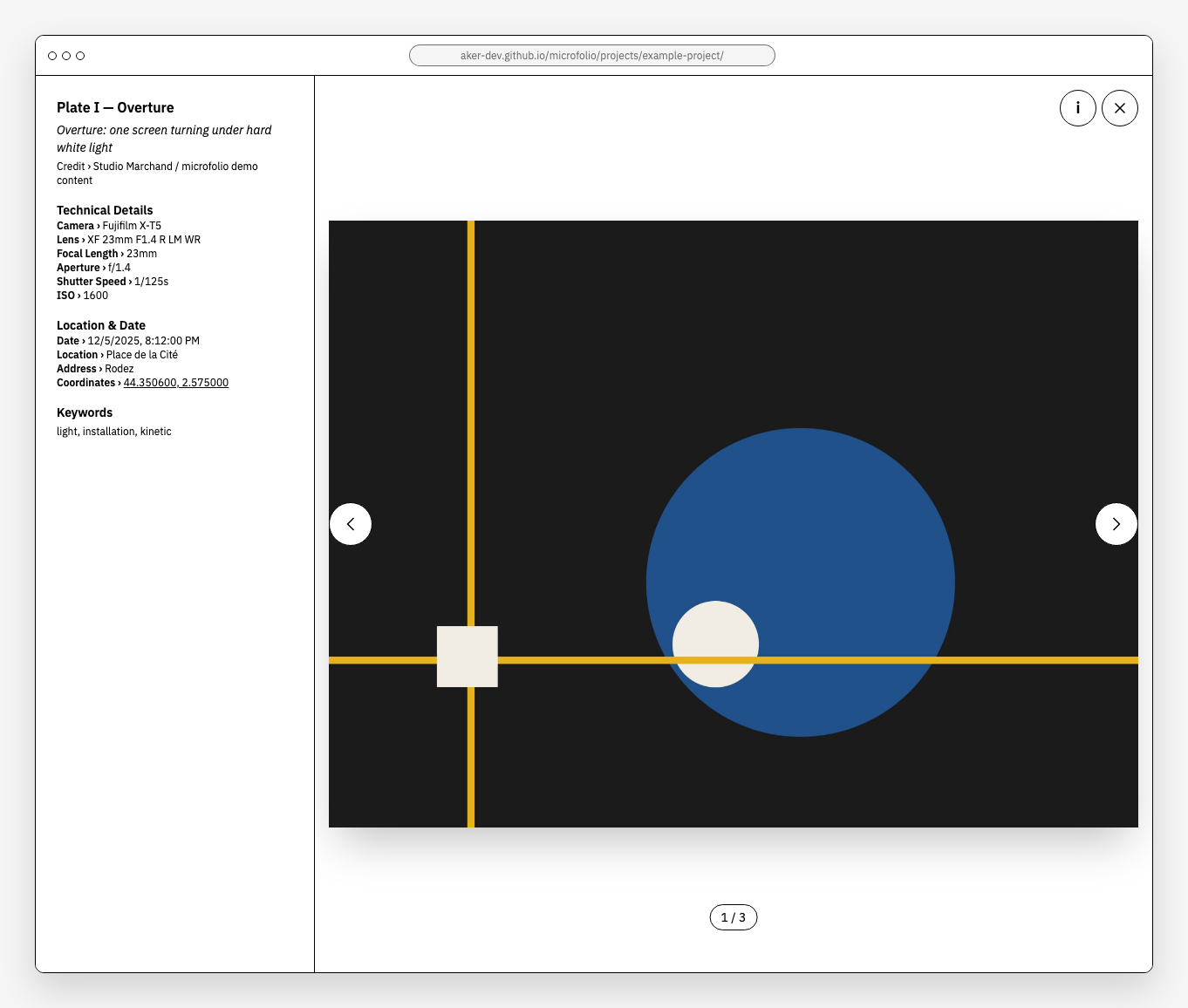
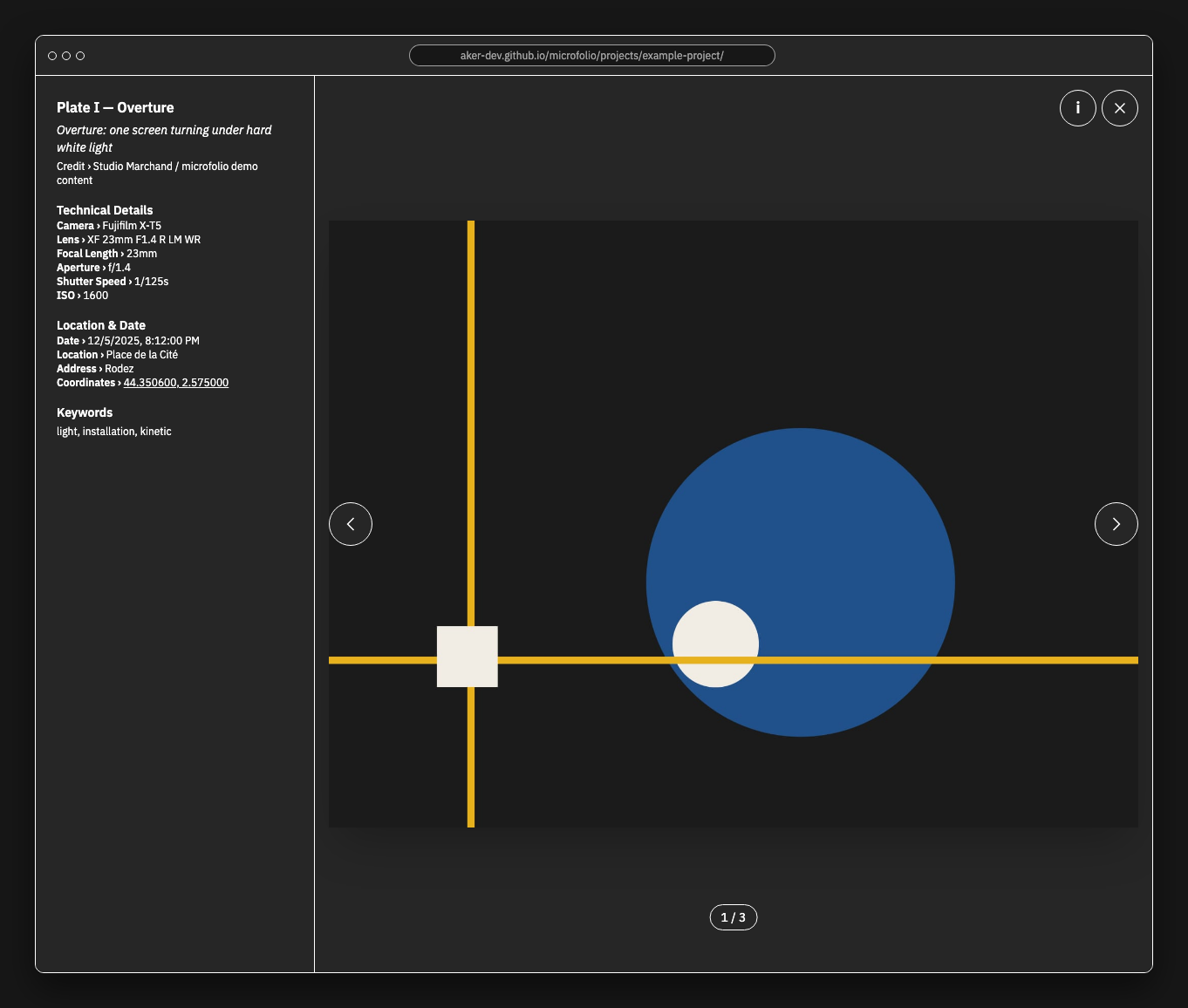
Image lightbox
The image fills the height of the screen. Title, caption, credit and the full EXIF set — camera, lens, exposure, location — sit in a panel you open when you want it.
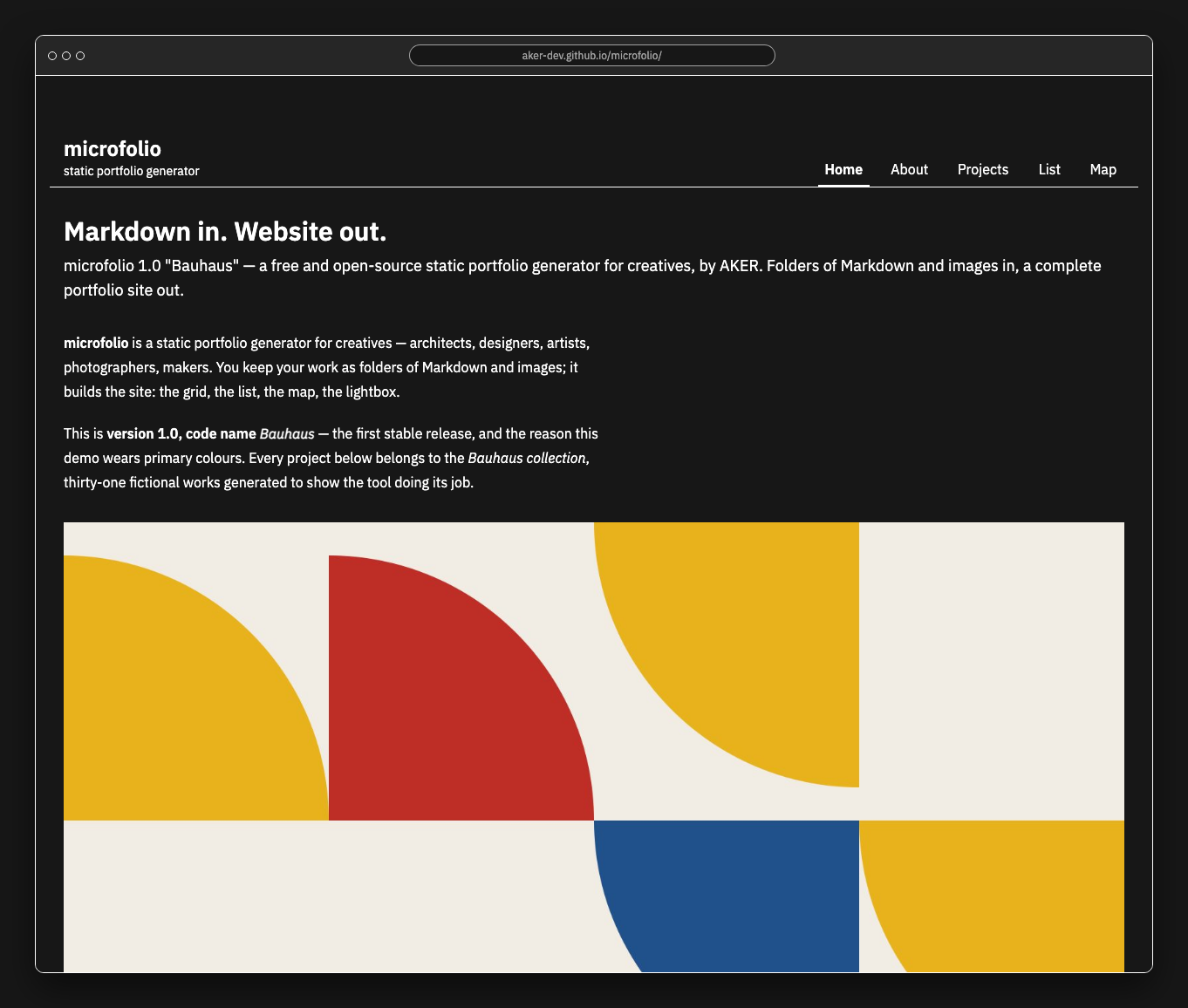
Dark mode, out of the box
Quick Start
Option 1: Homebrew (macOS)
Option 2: Manual Installation
Requires Node.js 22.13 or later.
Built in the open
microfolio is free and open source, MIT licensed. Found a bug, have an idea, or want to help translate it? Every kind of contribution counts — and a star on GitHub helps others find the tool.
Built a site with microfolio? Show it in Show and tell — a wall of fame of sites made with microfolio is in the making.
They talked about microfolio
- Korben — Microfolio, le portfolio statique qui regarde WordPress de haut
- Entreprendre à Montpellier — Microfolio : l'innovation montpelliéraine qui réinvente le portfolio en ligne
Thank you, Korben, for the article — and thank you to the beta testers whose feedback shaped everything between 0.1 and 1.0.